 ColorHexHub Design Team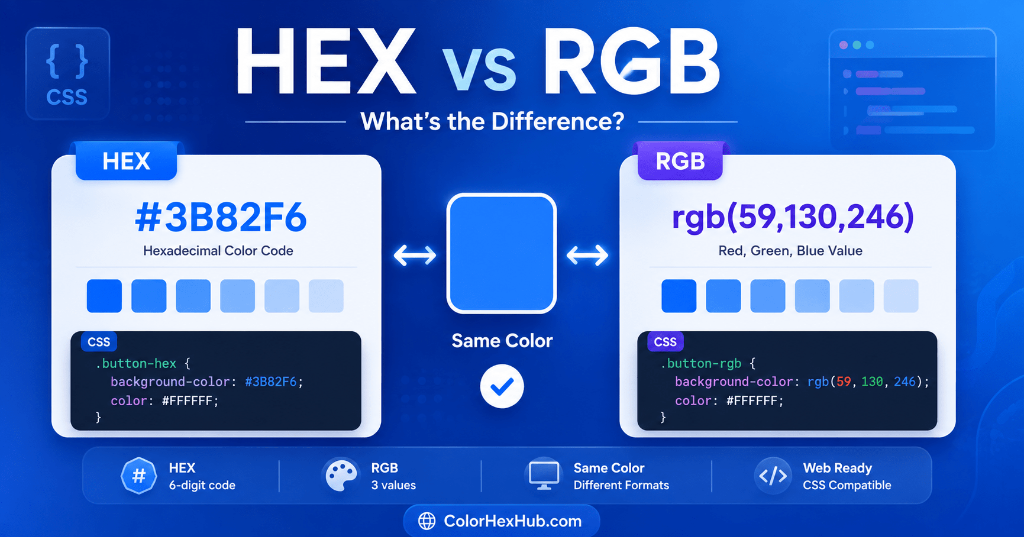
If you've ever worked with CSS, Figma, Photoshop, or any design software, you've probably noticed that the exact same color can be represented in different ways.
For example, these two values represent exactly the same blue color:
#3B82F6(HEX)rgb(59, 130, 246)(RGB)
So why are there two different formats? Which one should you use in your projects?
In this guide, we'll explain the key differences between HEX and RGB, how each format works under the hood, and which format is best for different design and development situations.
What is HEX? #
A HEX color is a six-digit hexadecimal code used to represent colors on digital screens.
Example:
#FF5733
Each pair of digits represents the intensity of Red, Green, and Blue:
- Red (RR)
- Green (GG)
- Blue (BB)
Structure: #
#RRGGBB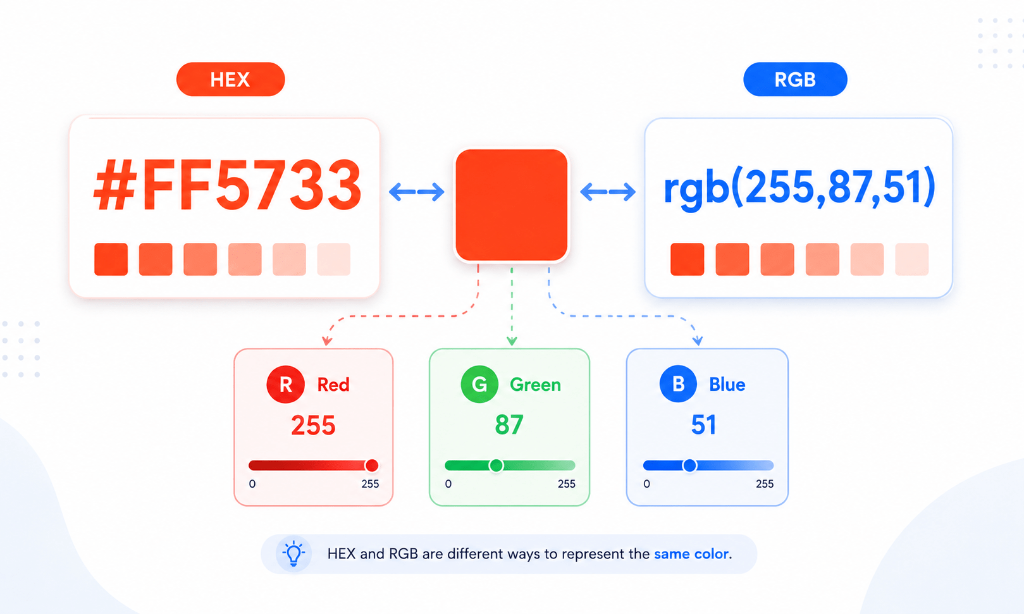
What is RGB? #
RGB stands for Red, Green, Blue.
Instead of base-16 hexadecimal numbers, RGB uses standard base-10 decimal values ranging from 0 to 255.
Example:
rgb(255, 87, 51)
Meaning Breakdown: #
- Red = 255 (Maximum intensity)
- Green = 87 (Moderate intensity)
- Blue = 51 (Low intensity)