 ColorHexHub Design Team
If you've ever edited a photo, designed a website, or changed your computer's display settings, you've probably seen something like this:
rgb(59, 130, 246)
At first glance, those three numbers might seem confusing. But they're actually one of the most fundamental ways computers represent colors digitally.
In this guide, you'll learn what RGB color is, how it works under the hood, where it's used, and why it's the universal standard for digital screens.
What Is RGB? #
RGB stands for:
- R = Red
- G = Green
- B = Blue
It is an additive color model used by digital devices such as:
- Computer monitors & laptops
- Smartphones & tablets
- Smart TVs & OLED displays
- Digital cameras & video games
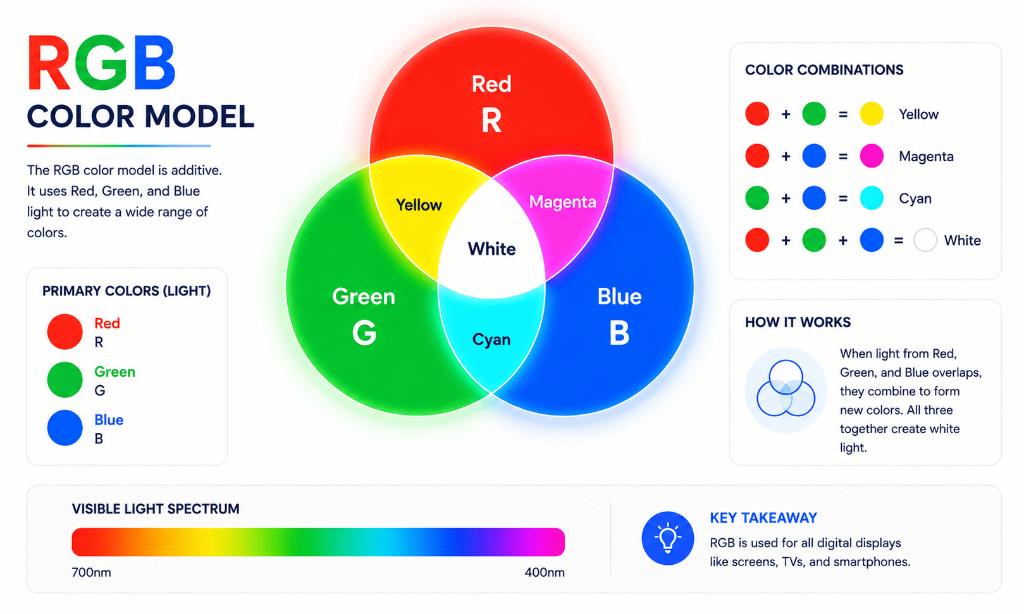
Instead of mixing physical paint pigments, RGB creates colors by combining different amounts of red, green, and blue light.
How Does RGB Work? #
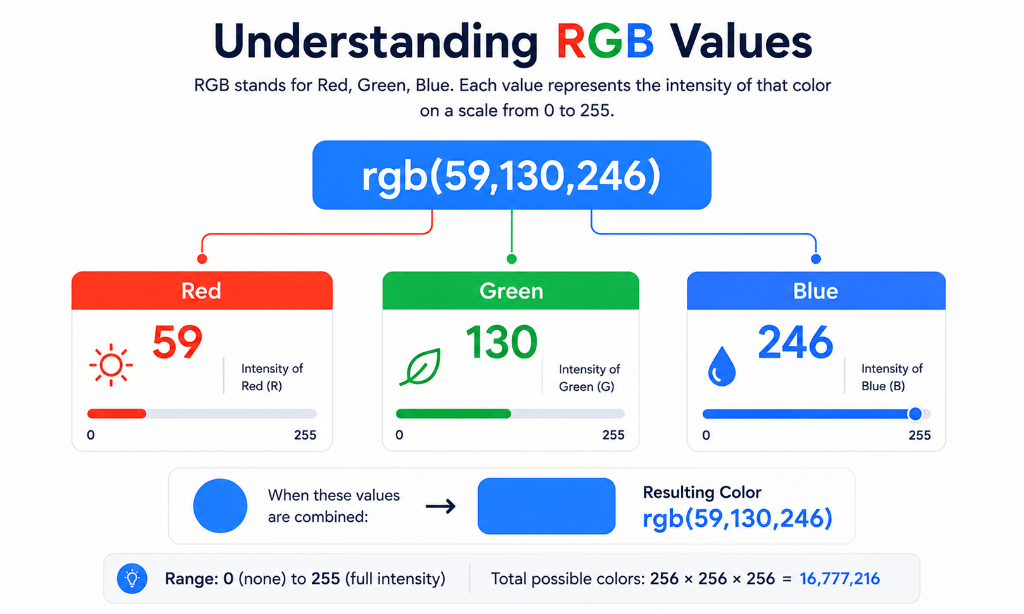
Each color channel can have an intensity value between 0 and 255.
Example:
rgb(59, 130, 246)
Channel Breakdown: #
| Channel | Value | Intensity Level |
|---|---|---|
| Red (R) | 59 | Low intensity |
| Green (G) | 130 | Moderate intensity |
| Blue (B) | 246 | High intensity |
Different combinations of these three light channels create completely different colors:
| RGB Code | Color Result | Visual Description |
|---|---|---|
rgb(255, 0, 0) | Pure Red | 100% Red light, 0% Green, 0% Blue |
rgb(0, 255, 0) | Pure Green | 0% Red, 100% Green light, 0% Blue |
rgb(0, 0, 255) | Pure Blue | 0% Red, 0% Green, 100% Blue light |
rgb(255, 255, 255) | Pure White | 100% Red + 100% Green + 100% Blue |
rgb(0, 0, 0) | Pure Black | Zero light across all three channels |