 ColorHexHub Design Team
Have you ever seen a color code like #3B82F6 or #FF5733 and wondered what those strange letters and numbers actually mean?
If you're designing a website, building a mobile app, creating graphics, or writing CSS, you've probably come across HEX color codes. Although they may look complicated at first, they're actually one of the simplest ways to represent colors digitally.
In this guide, you'll learn what a HEX color is, how it works, how to read HEX color codes, and when to use them in real-world projects.
What Is a HEX Color? #
A HEX color is a six-digit hexadecimal code used to represent colors on websites, digital applications, and display screens.
Every HEX color starts with a # hash symbol followed by six characters.
Example:
#3B82F6
The six characters represent three primary color channels:
- Red (First 2 digits)
- Green (Middle 2 digits)
- Blue (Last 2 digits)
Each channel uses two hexadecimal digits.
Structure: #
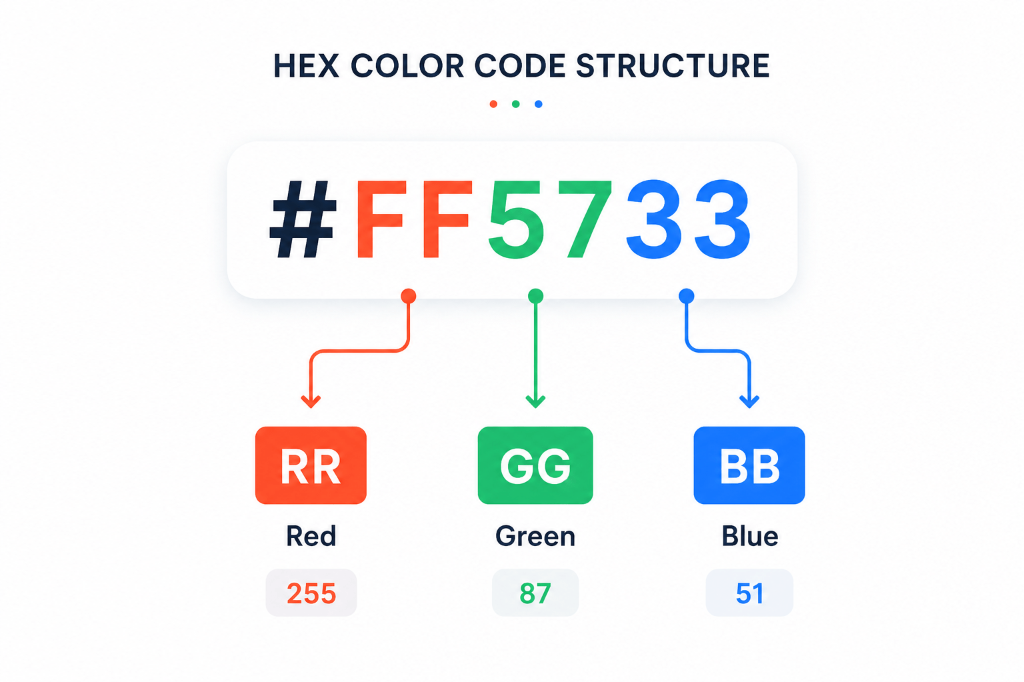
# RR GG BBExample Breakdown:
# FF 57 33| Channel | Hex Value | Decimal Equivalent |
|---|---|---|
| Red (RR) | FF | 255 (Maximum) |
| Green (GG) | 57 | 87 (Moderate) |
| Blue (BB) | 33 | 51 (Low) |
How Does a HEX Color Code Work? #
HEX stands for Hexadecimal, a base-16 numbering system instead of our standard base-10 decimal system.
Digits Used in Hexadecimal: #
0 1 2 3 4 5 6 7 8 9 A B C D E FWhere letters represent values beyond 9:
A= 10B= 11C= 12D= 13E= 14F= 15
Each color channel ranges from minimum to maximum intensity:
00: Minimum intensity (0% brightness)FF: Maximum intensity (100% brightness)
Understanding RGB and HEX #
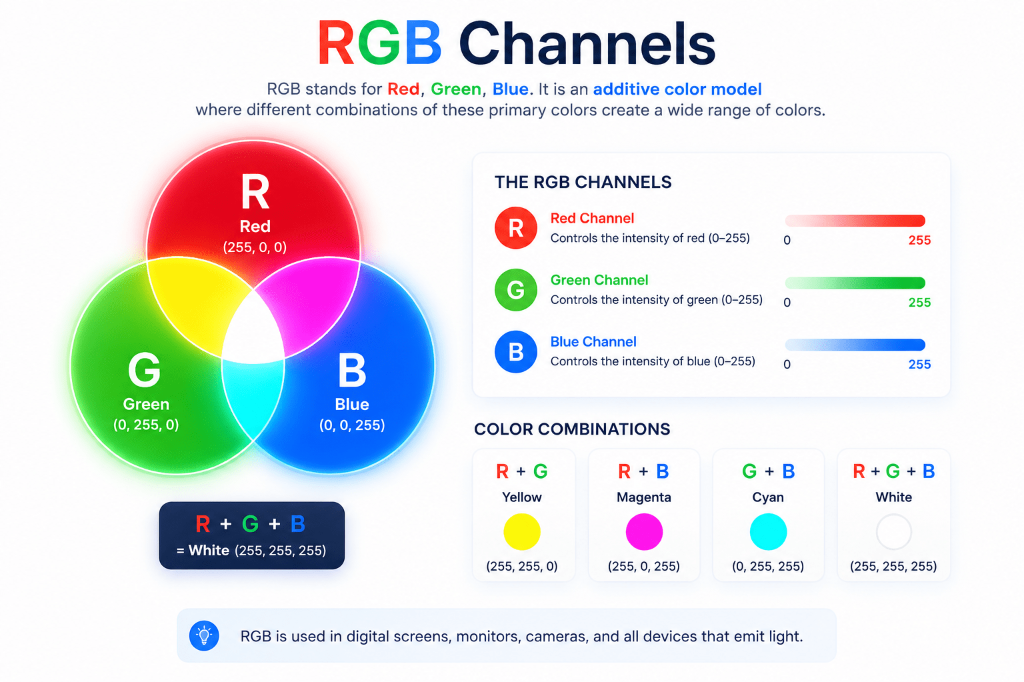
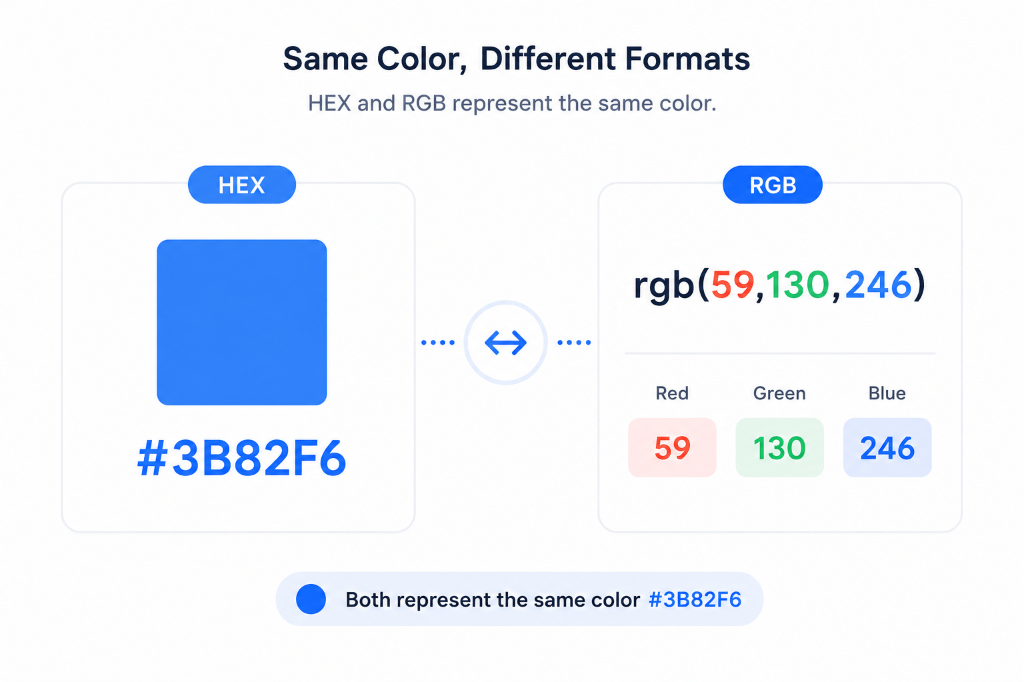
HEX is simply a compact, base-16 shorthand for writing RGB (Red, Green, Blue) values.
| HEX Code | Equivalent RGB Value | Visual Result |
|---|---|---|
#FF0000 | rgb(255, 0, 0) | Pure Red |
#00FF00 | rgb(0, 255, 0) | Pure Green |
#0000FF | rgb(0, 0, 255) | Pure Blue |
#FFFFFF | rgb(255, 255, 255) | Pure White |
#000000 | rgb(0, 0, 0) | Pure Black |
Both formats describe the exact same digital colors to your monitor.