 ColorHexHub Design Team
Have you ever written color: red; in CSS instead of using a HEX code like #FF0000?
If yes, you've already used CSS color names.
Named colors are one of the easiest ways to add colors to a website. Instead of remembering complex HEX values or RGB numbers, you simply write a human-readable color name like Blue, Tomato, Gold, or RoyalBlue.
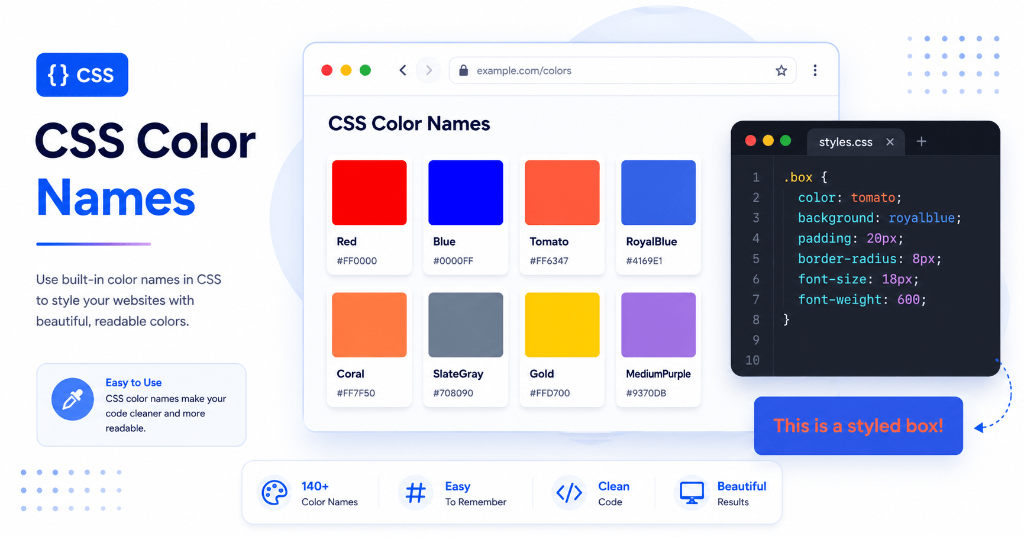
Although professional UI designers often use HEX, HSL, or OKLCH for exact precision, CSS color names are still incredibly useful for rapid prototyping, learning CSS, and quick inline styling.
In this guide, you'll learn what CSS color names are, how many exist, when you should use them, and their key advantages and limitations.
What Are CSS Color Names? #
CSS color names are built-in keywords that represent predefined colors.
Instead of writing:
color: #FF6347;you can simply write:
color: tomato;Both declarations produce the exact same vibrant orange-red color.
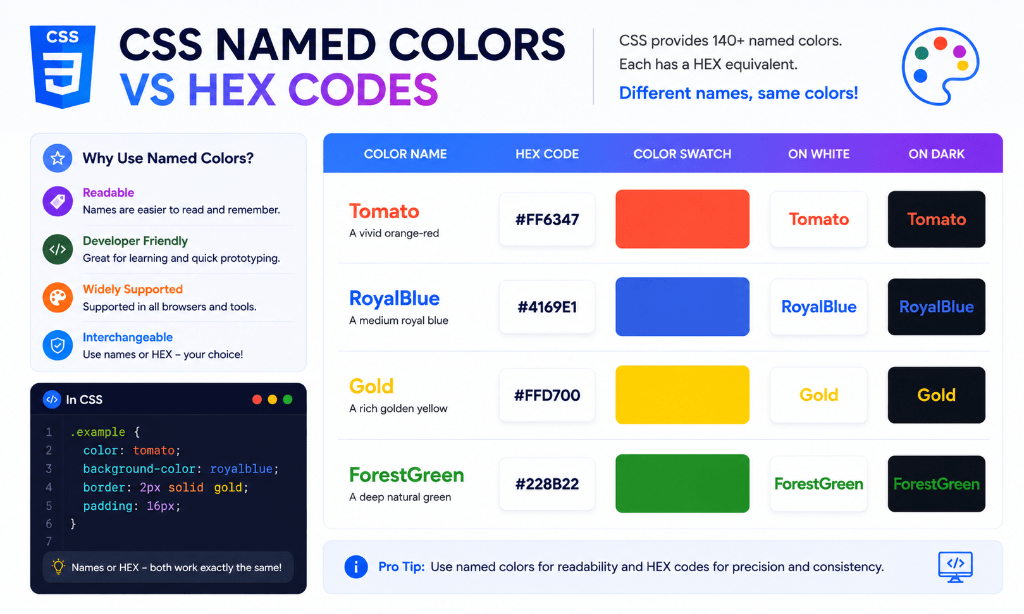
This human-readable syntax makes CSS stylesheets easier to read and faster to write.
Why Do CSS Color Names Exist? #
Named colors were introduced in early HTML and CSS specifications to make web development intuitive and accessible to beginners.
They help developers:
- Write readable CSS: Code is self-documenting.
- Prototype faster: Apply quick colors without opening a color picker.
- Learn web design: Understand color properties before learning HEX math.
- Avoid memorizing codes: Quickly style temporary containers and borders.
Practical CSS Example #
h1 {
  color: royalblue;
}

button {
  background-color: tomato;
  color: white;
}

body {
  background-color: whitesmoke;
}